Describe the idea
Start with a premise, character, lesson, scene, or short story. Specific details about mood, setting, action, and audience give Magiclight clearer creative direction.
Quick definition
What is magiclight used for? Magiclight is an AI-assisted creative tool for turning a written idea into visual story content, including illustrated scenes, animated moments, characters, and short video concepts. It is best understood as a starting point for visual storytelling rather than a replacement for a complete production team.

Magiclight follows a simple idea-to-story workflow. You describe the subject, shape the direction, and review the generated visual result before deciding what to refine.
Start with a premise, character, lesson, scene, or short story. Specific details about mood, setting, action, and audience give Magiclight clearer creative direction.
Magiclight interprets the written concept and develops visual material around it, such as illustrated characters, story moments, or animated content suited to the chosen idea.
Use the first result as a draft. Compare the visual direction with your original goal, then adjust the wording or creative brief when the scene, tone, or character needs work.
These pages cover adjacent questions about where Magiclight works, what it can create, and how beginners can approach the tool.
See how the online experience fits into a browser-based creative workflow.
Focus on the video side of Magiclight and the kinds of moving stories it can support.
Review practical example ideas to understand the range of visual stories people may explore.
Follow a beginner-friendly path from an initial idea to a more useful creative prompt.
Magiclight can accelerate visual ideation, but its output still depends on the clarity of the brief and the amount of review you provide.
A short or vague prompt may produce a generic scene, an unexpected character, or a tone that does not match your intention.
WorkaroundName the subject, setting, mood, audience, action, and visual style before generating.
Magiclight may help shape story visuals, but it does not remove the need for editing, creative direction, narration, sound design, or final review.
WorkaroundTreat the generated result as production material that can be selected, edited, and combined with other assets.
Characters, layouts, and details may vary between scenes, especially when a story includes many locations or repeated actions.
WorkaroundRepeat essential character traits and visual instructions in each prompt, then keep the strongest results together.
The tool can suggest a visual interpretation, but it cannot decide whether a story is accurate, culturally appropriate, age-appropriate, or effective for your audience.
WorkaroundReview every result for meaning, representation, clarity, and suitability before sharing it.
The useful distinction is not whether someone is a professional designer. It is whether they need to move from an idea to a visual explanation or story more efficiently.
Good fit for
A written idea, outline, lesson, or story prompt
Needs extra support
A fully specified production plan with locked assets
Good fit for
Explore concepts and communicate a visual direction
Needs extra support
Deliver a final broadcast-ready production without editing
Good fit for
Storytellers, educators, families, marketers, and content creators
Needs extra support
Teams requiring strict technical, legal, or brand control
Good fit for
Natural-language descriptions with useful detail
Needs extra support
Complex instructions that depend on exact continuity
Good fit for
People comfortable selecting, refining, and revising drafts
Needs extra support
Users expecting every first result to be final
Good fit for
A faster route from concept to an understandable visual story
Needs extra support
A substitute for every human creative and editorial decision
The difference between a prompt and a finished-looking concept is easier to understand when the transformation is viewed as a creative draft, not a guaranteed final asset.
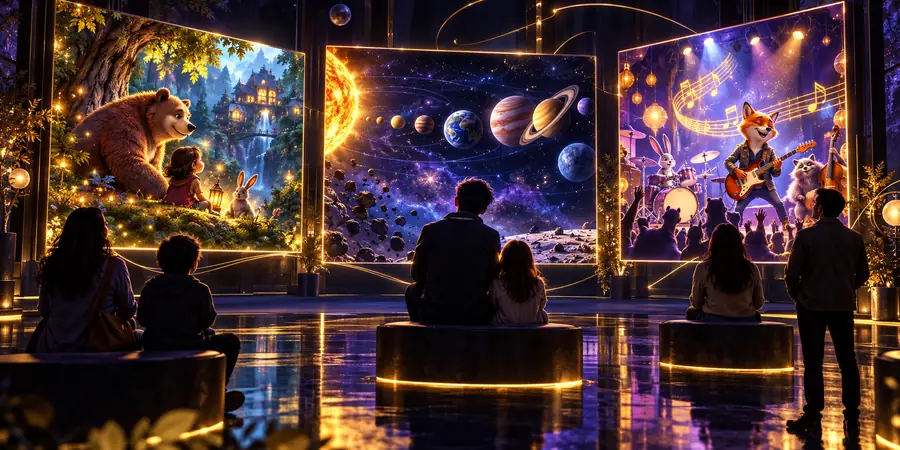
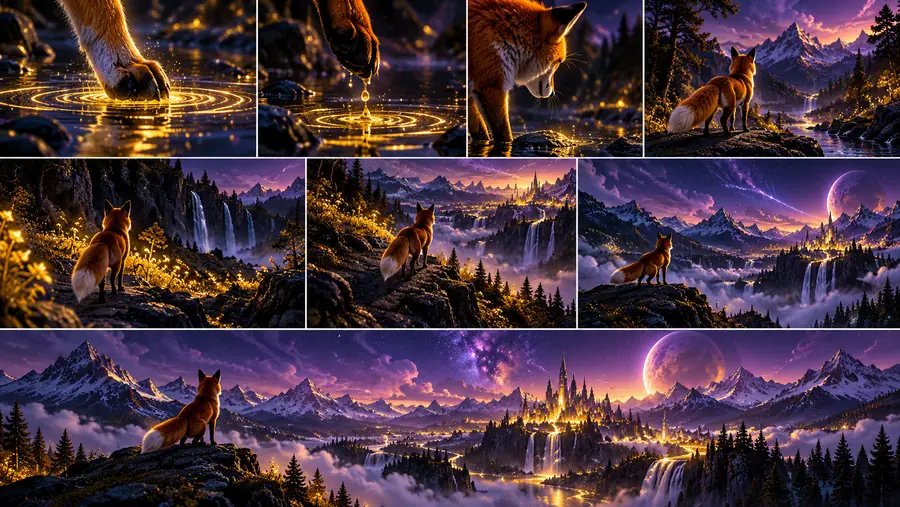
Magiclight turns description into a reviewable visual starting point.
Magiclight is most useful when you have an idea worth showing but need help moving beyond a blank page. Bring a clear premise, describe the audience and mood, and use the first result to guide your next creative decision.
Answers to common questions about the purpose, audience, and practical limits of Magiclight.
Magiclight is mainly used to turn written ideas into visual story content. People may use it to explore characters, scenes, animated concepts, educational explanations, and other creative directions before refining the result.
Magiclight can support video-oriented storytelling and visual concept development, but the exact result depends on the tool experience and the prompt. It is safer to view it as an AI-assisted creative workflow rather than assume every idea becomes a finished video automatically.
Magiclight can be useful for storytellers, educators, families, marketers, and creators who want to visualize an idea without building every asset from scratch. Beginners can use it for exploration, while experienced creators may use it to accelerate early concept work.
It may help expand a short idea into a visual direction, but one sentence rarely provides enough information for a precise result. Adding the setting, characters, action, tone, audience, and desired outcome usually gives the workflow more useful guidance.
Magiclight may produce inconsistent details, unexpected interpretations, or results that need editing and selection. It should not be treated as a guarantee of factual accuracy, visual continuity, technical perfection, or suitability for every audience.